How to Change Your Control Panel Password
There may be times when you need or want to update your control panel password. Follow the steps below to make the change:
-
Log in to your client area at www.imperiumhosting.net.
-
Click on the "Services" drop-down menu and select "My Services".
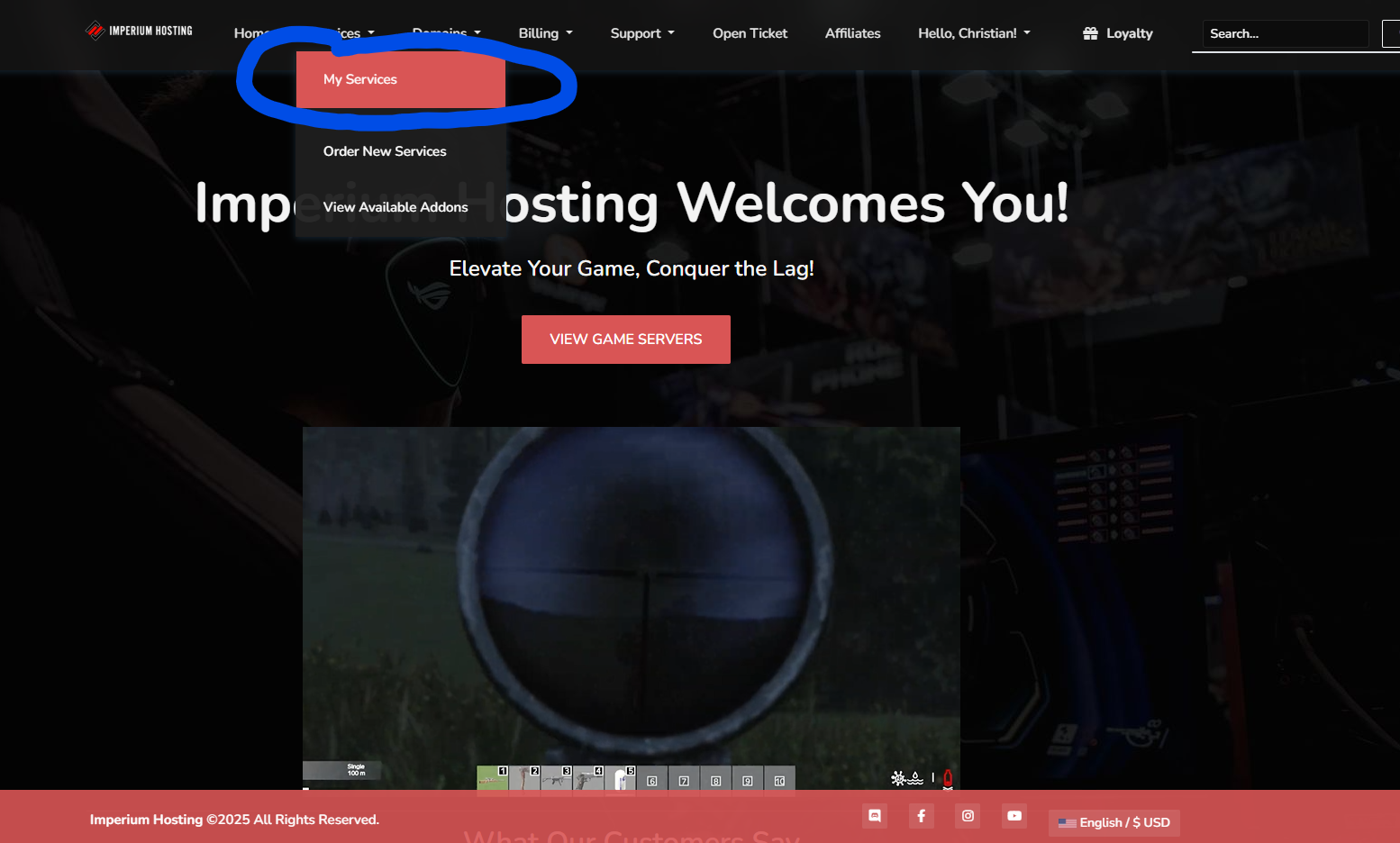
3. From the list of active services, click on the one you’d like to update.
4. On the service details page, click the "Change Password" button.
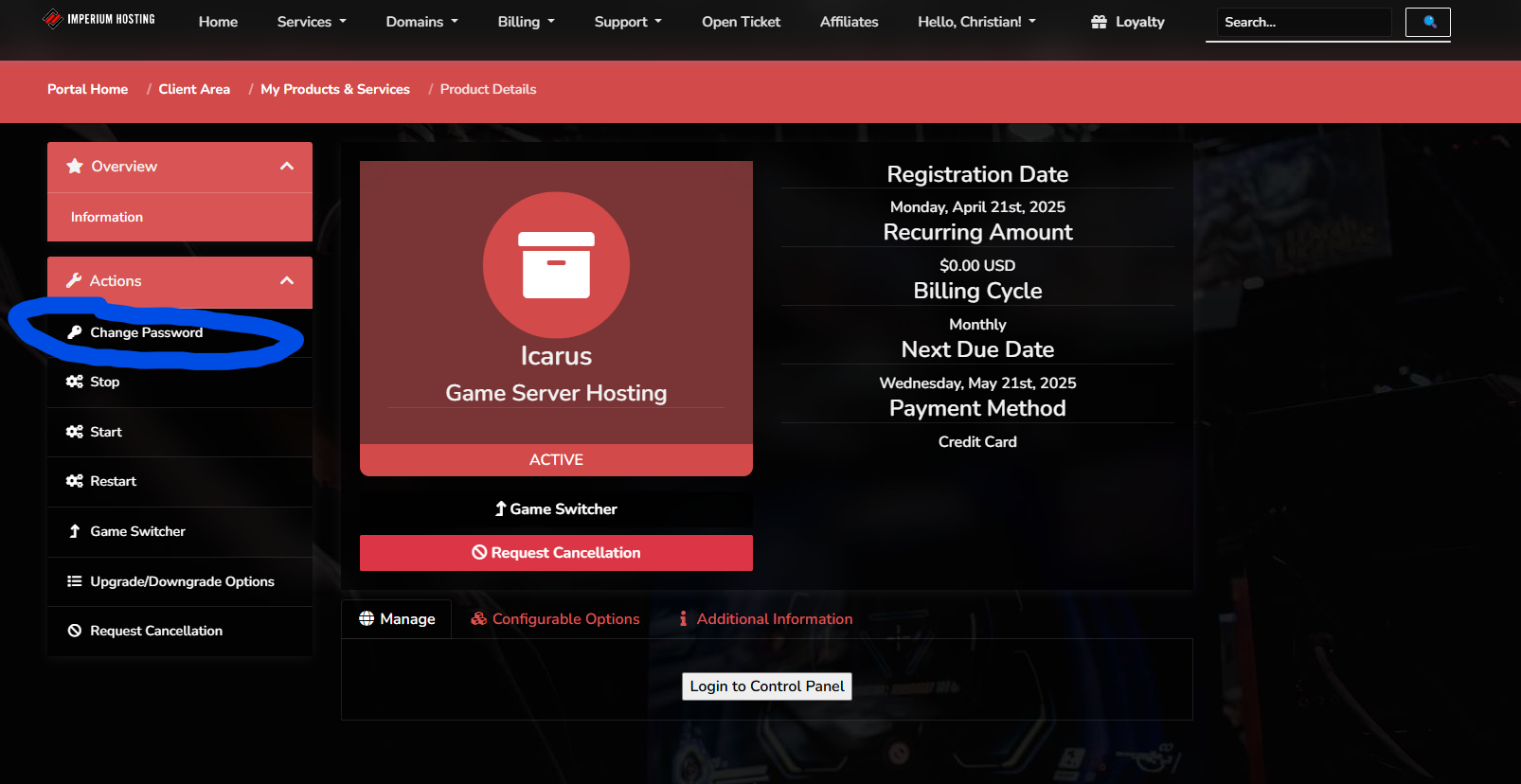
5. Enter your new desired password, confirm it, then click "Save Changes".
That’s it! Your control panel password will be updated immediately after saving the changes.
