Conan Exiles Server Hosting

Host your private Conan Exiles adventure with Imperium Hosting. Enjoy instant setup, private worlds with friends, global server locations, and optimized performance.

Conan Exiles Server Rental Pricing

Private First Class

$16/mo

  • 12 Player Slots
  • 8 GB RAM
  • 25GB Disk Space
  • CPU Normal
Rent This Server
Lance Corporal

$21.99/mo

  • 12 Player Slots
  • 8 GB RAM
  • 50GB Disk Space
  • CPU Normal
Rent This Server
Corporal

$44.98/mo

  • 24 Player Slots
  • 12 GB RAM
  • 120GB Disk Space
  • CPU Above
Rent This Server
Sergeant

$53.69/mo

  • 24 Player Slots
  • 16 GB RAM
  • 140GB Disk Space
  • CPU High
Rent This Server
Custom

$$$/mo

  • Custom Player Slots
  • Custom RAM
  • Custom Storage
  • Custom CPU
Rent This Server
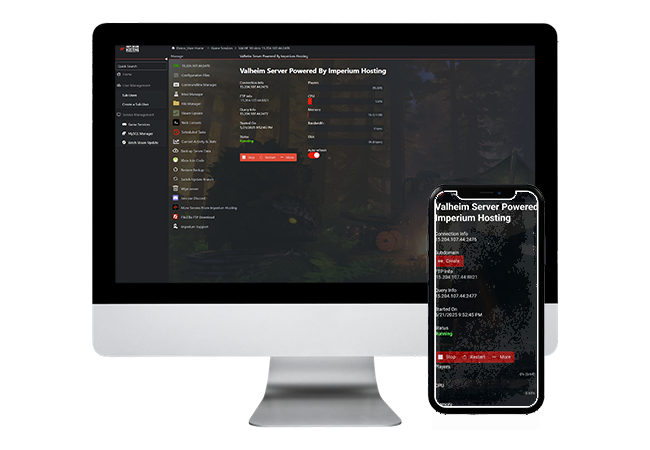
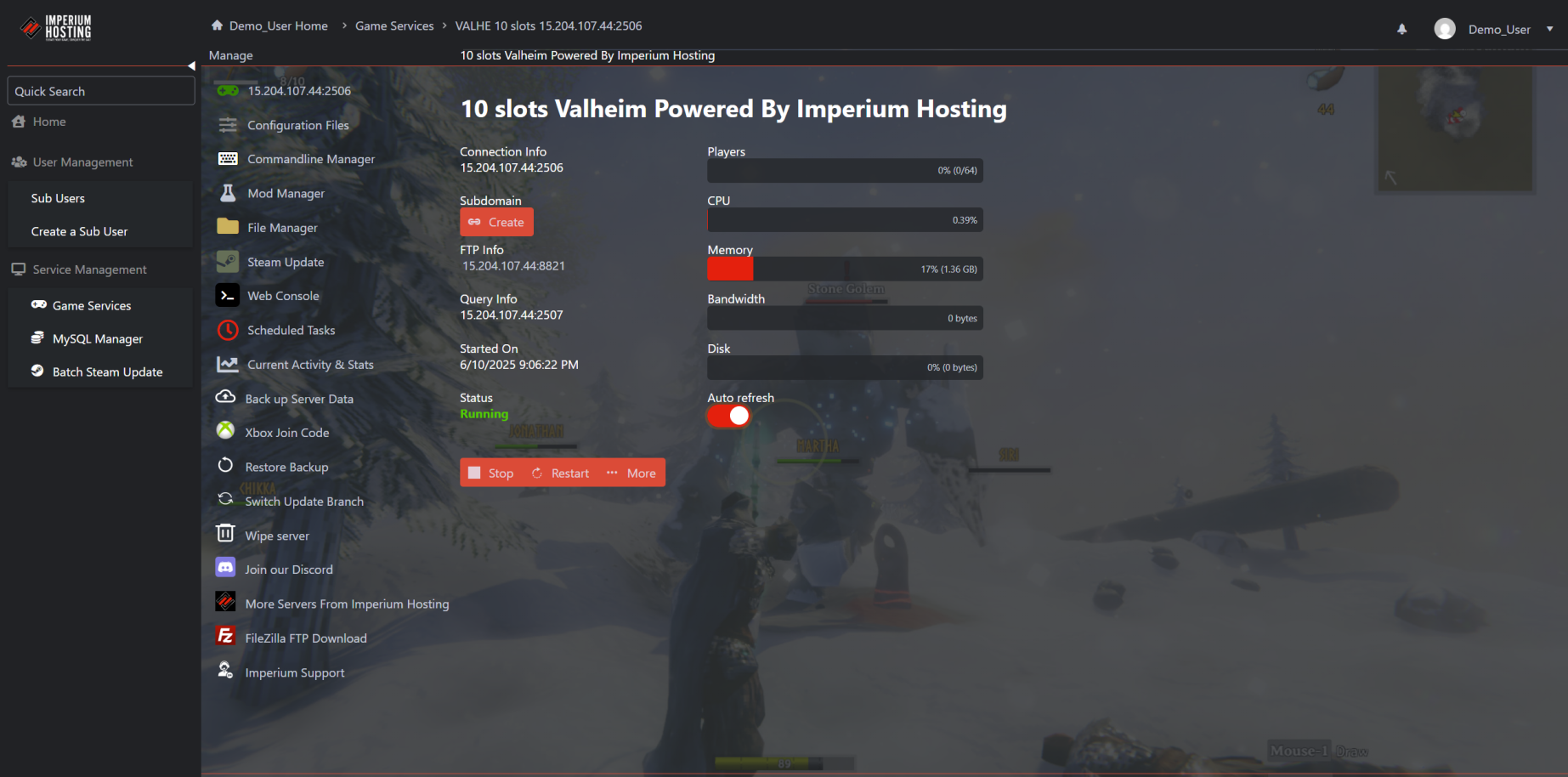
Control Panel Showcase
CONAN EXILES HOSTING

CONTROL PANEL SHOWCASE

Why Host Your Conan Exiles Server with Imperium?

  • ✔️ Instant server deployment
  • ✔️ Global data centers
  • ✔️ DDoS protection
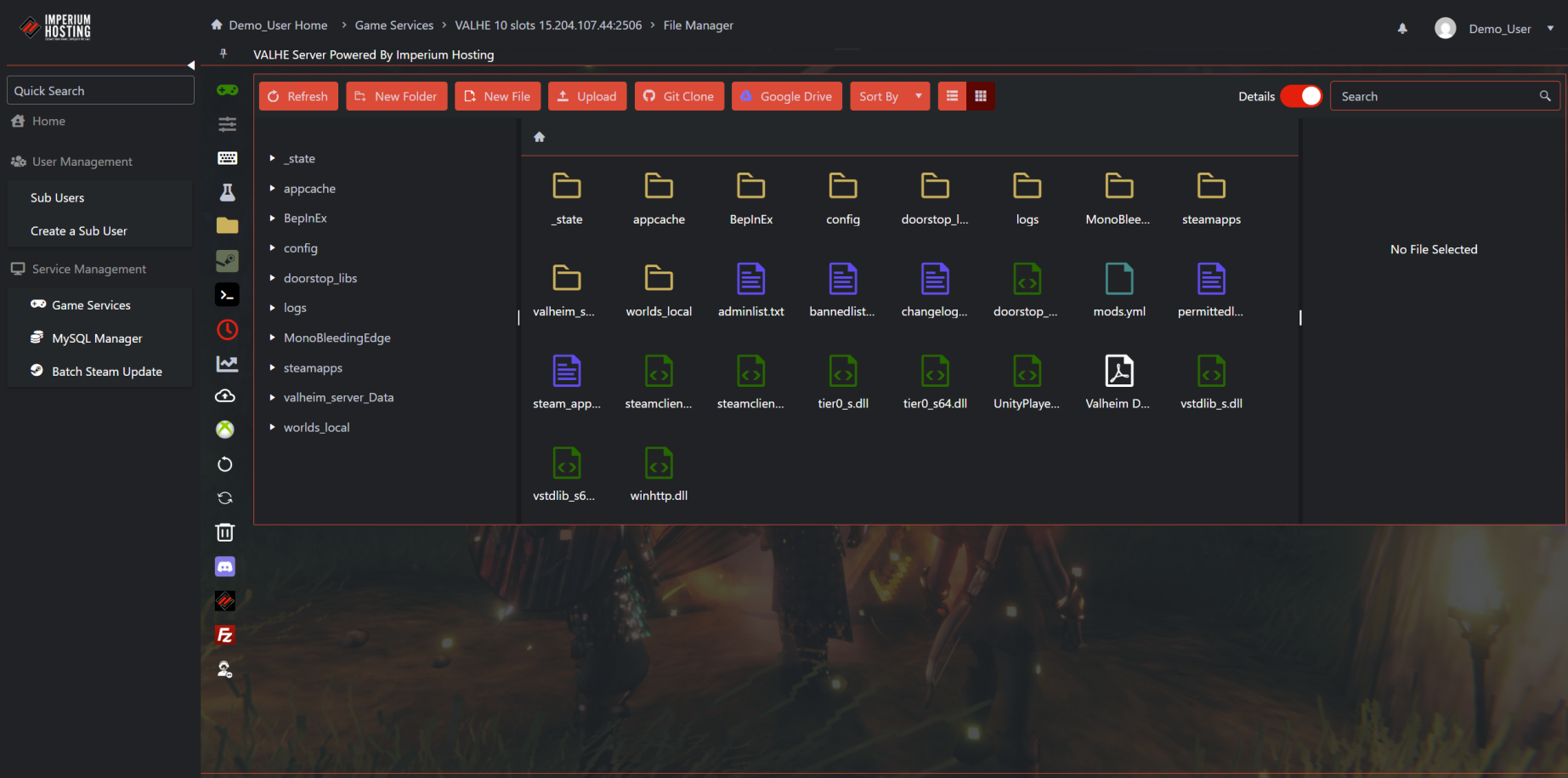
  • ✔️ Easy-to-use control panel
  • ✔️ Mod support
  • ✔️ 24/7 uptime monitoring
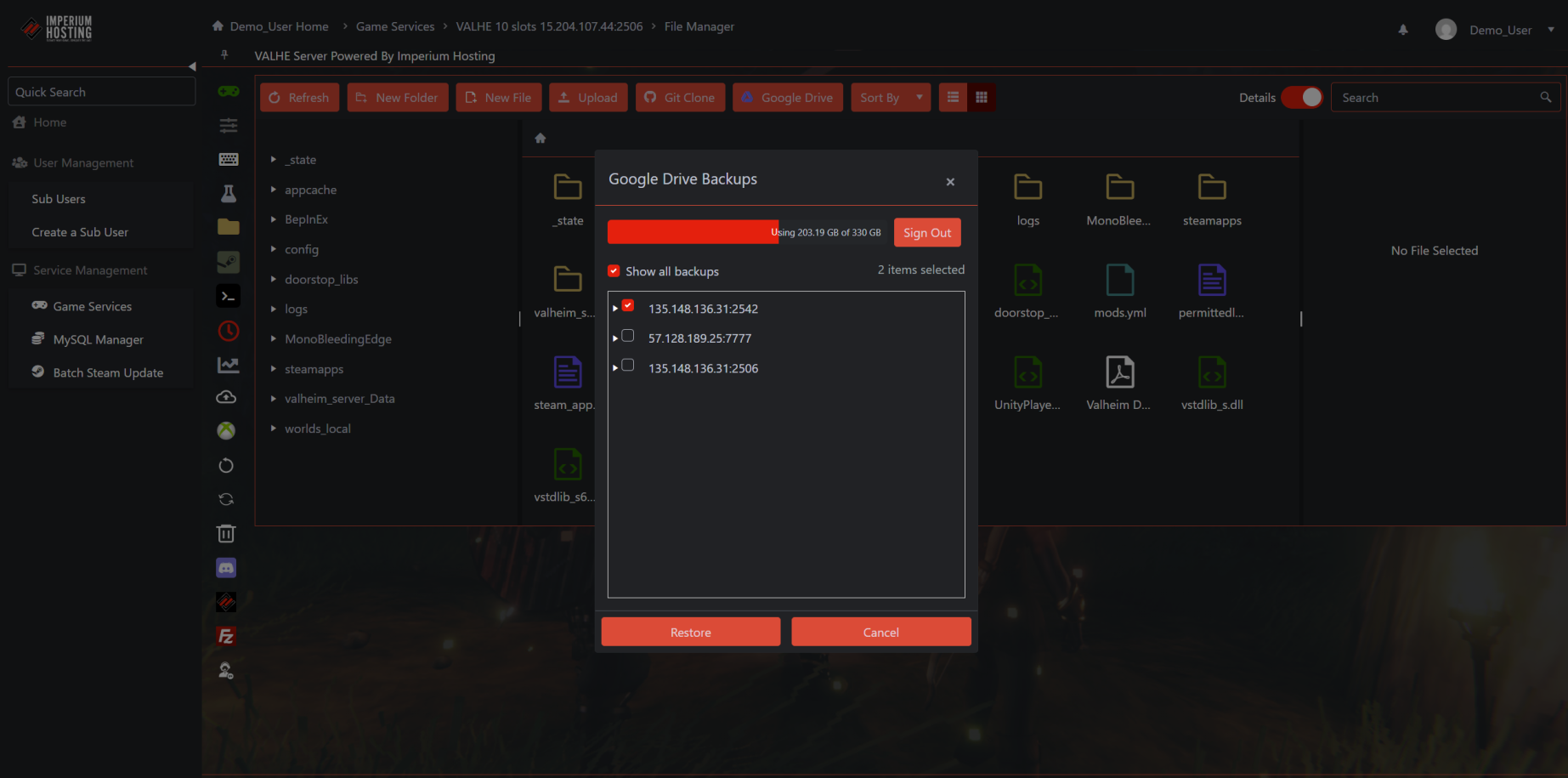
  • ✔️ Free automatic backups

conanexiles1

What Our Customers Say

Trustpilot
4.8 out of 5 Stars Based on Customer Reviews on Trustpilot

★★★★★ November 18, 2024

"Server Host With a Love of Gaming"

Just an amazing company to work with. I am using my 3rd server with them. I have never run a dedicated server before, so I needed a lot of help. Lucky for me, the staff at Imperium Hosting are very hands-on and knowledgeable. They walked me through the process of starting up my servers for Satisfactory, Asha, and American Truck Simulator. There have been several game nights where staff asked if they could join in and just gamed out. This is a company that doesn’t just know the tech, they are gamers at heart. I can’t rate them high enough, as they have been there any time I need help as I grow my servers. Thank you, Imperium Hosting!

★★★★★ January 30, 2025

"Highly Recommended!"

Imperium Hosting is a "chef’s kiss". If you are wanting to leave your current server host, or just looking to start, then Imperium is by far the way to go. Their UI is remarkable, and the staff is lightning-fast to answer any questions you may have or just help you out in any way they can. Switch to Imperium Hosting TODAY!!!

What is Conan Exiles?

An online multiplayer survival game, now with sorcery, set in the lands of Conan the Barbarian. Survive in a vast open world sandbox, build your home into a kingdom, and dominate your enemies in single or multiplayer.

conanexiles2

Conan Exiles Server Support from Real Gamers

We provide full support through:

  • 24/7 support. Response times may vary.
  • Email & Ticket System
  • Knowledge Base
  • Onboarding Help Guides

The Power of Dedicated Conan Exiles Servers

  • Exclusive resources for smoother gameplay
  • Full control over settings
  • Easier mod management
  • Great for large groups or streamers
Conan Exiles Server Setup Guide and Resources

Frequently Asked Questions About Conan Exiles Servers

You can import your local save by uploading your game.db file from your PC to your server's ConanSandbox/Saved/ directory via FTP. Be sure to stop your server first, then overwrite the existing game.db file. Full instructions can be found in our Single-Player World Import Guide.

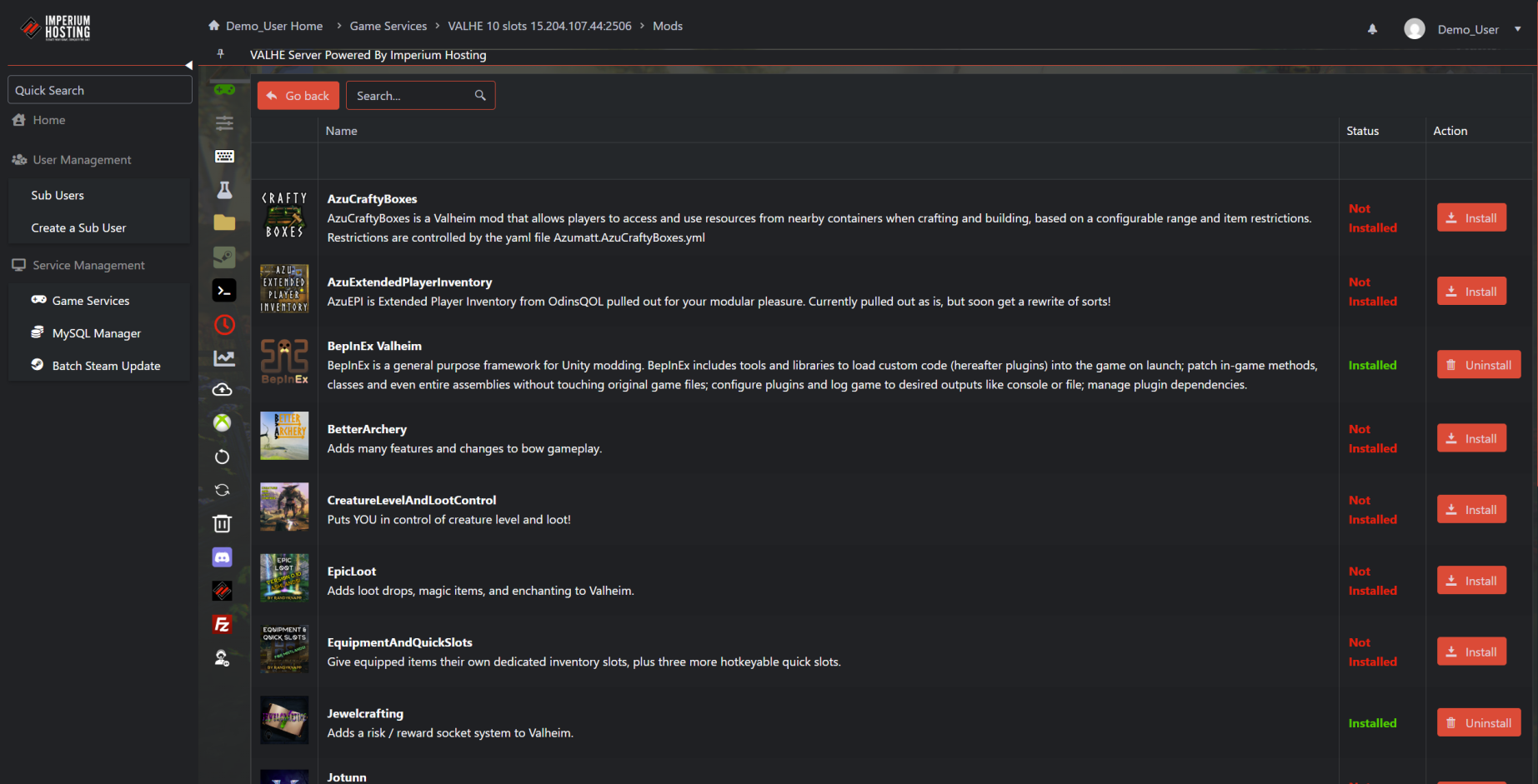
Mods can be installed directly through your Game Control Panel using the Steam Workshop browser. Once installed, mods are automatically added to your modlist.txt file. You can also manually edit this file via the File Manager or FTP to change load order or add mods manually.

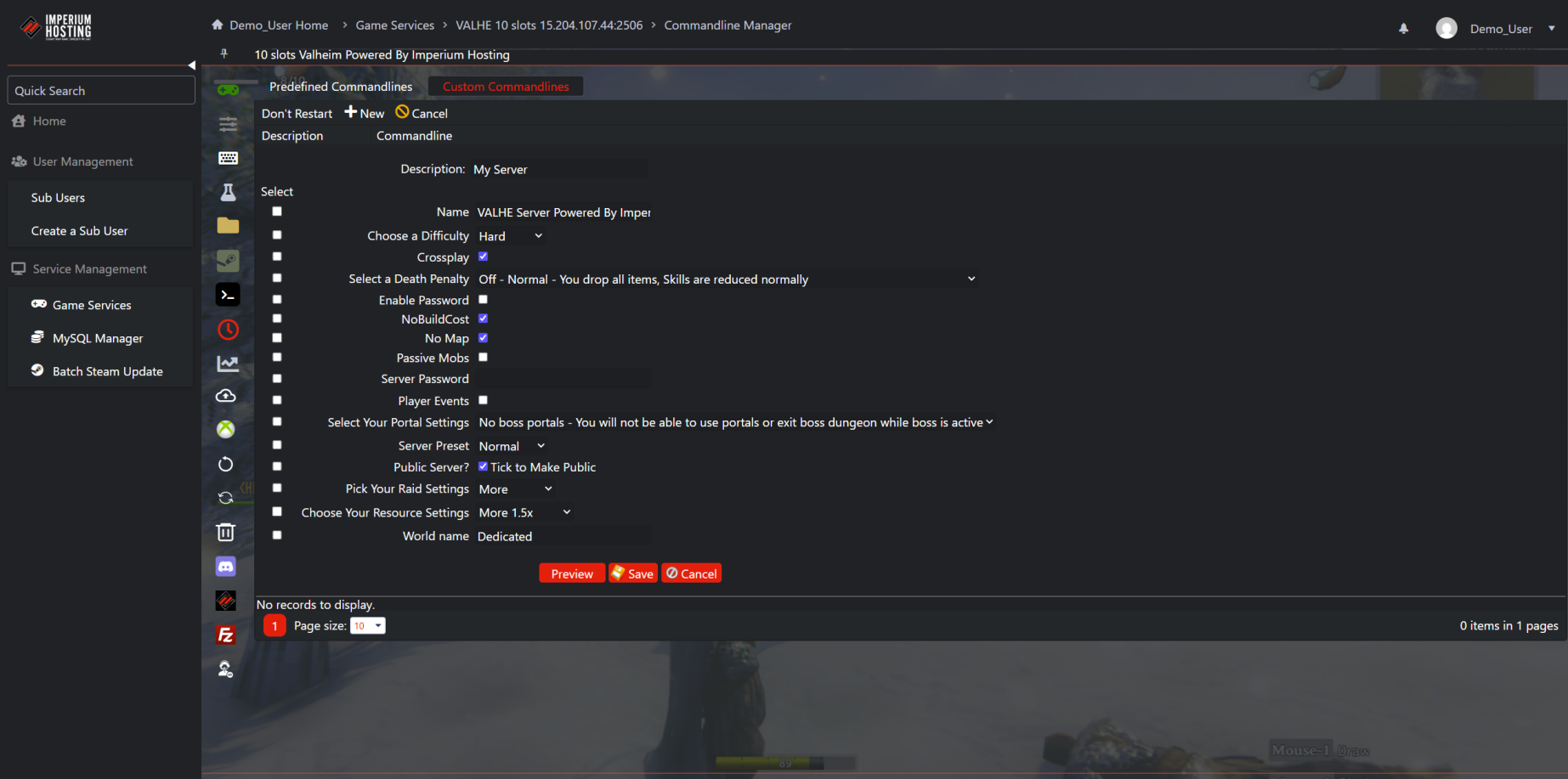
Yes. Use the Commandline Manager in your control panel to set a custom map name. Just create a new command line, check the box next to 'Map Name,' and type in the exact internal name of the map you want to use. Restart the server after saving the command line.

Newly launched servers can take a few minutes to appear. Make sure the server is running, your ports are properly forwarded, and that no firewall is blocking traffic. Alternatively, connect directly using the IP and port listed in your control panel under Connection Info.

These settings can be edited in the ServerSettings.ini file located in ConanSandbox/Saved/Config/WindowsServer/. You can access this file via the Configuration Files section in your control panel or by using an FTP client like FileZilla.