Beasts of Bermuda Server Hosting
Host your private Beasts of Bermuda adventure with Imperium Hosting. Enjoy instant setup, private worlds with friends, global server locations, and optimized performance.
Beasts of Bermuda Server Rental Pricing





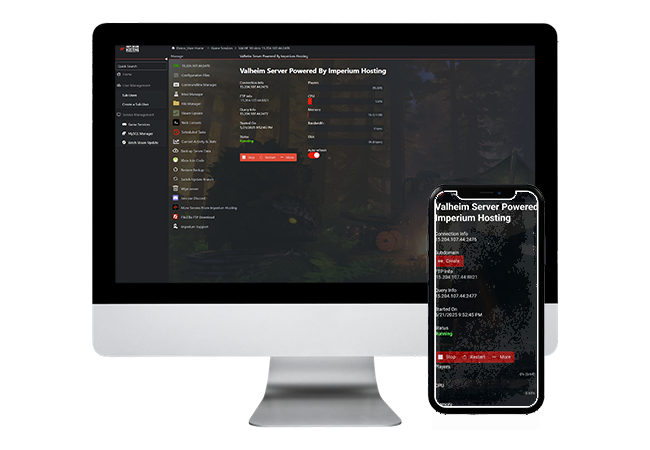
BEASTS OF BERMUDA HOSTING
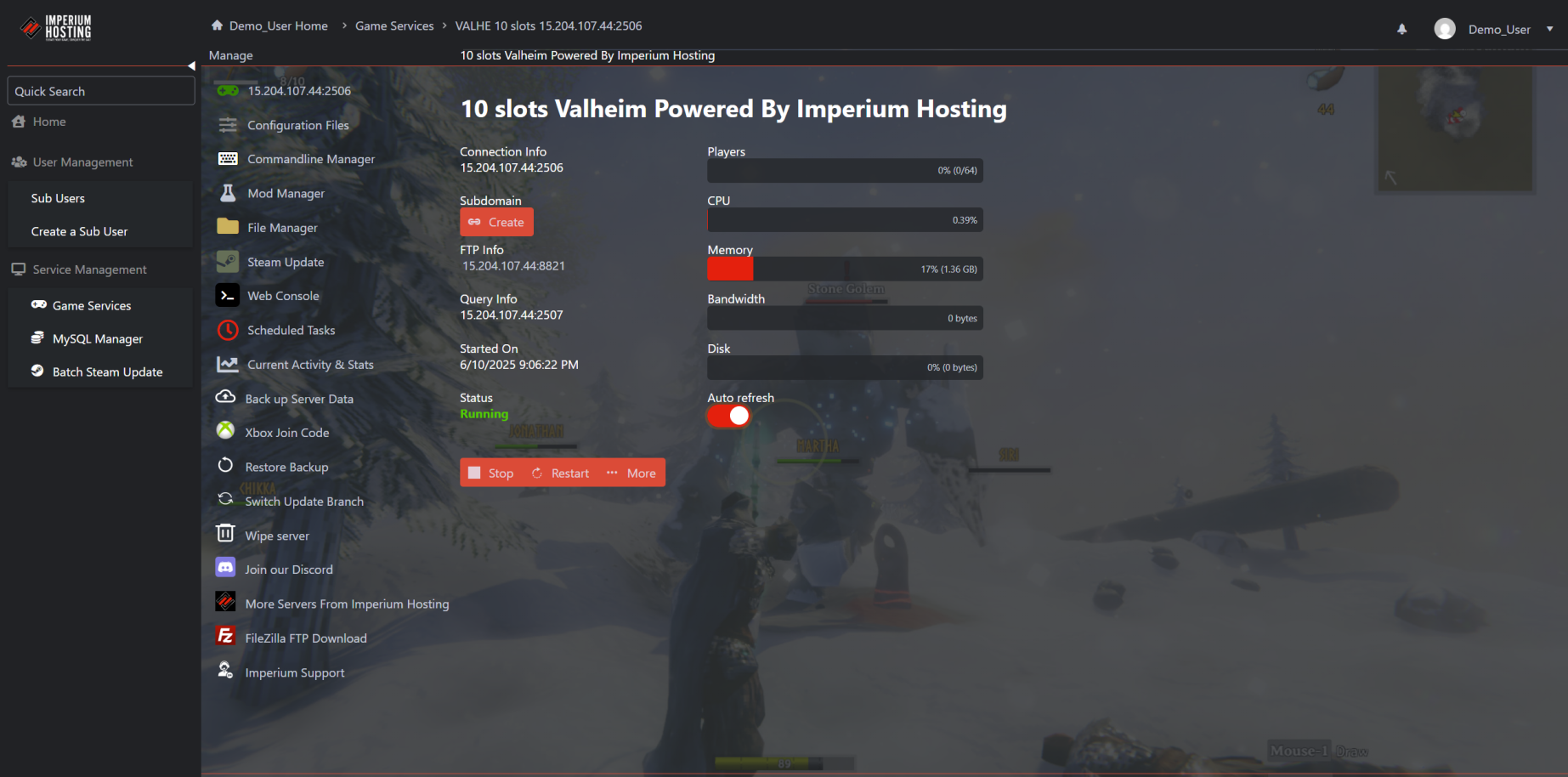
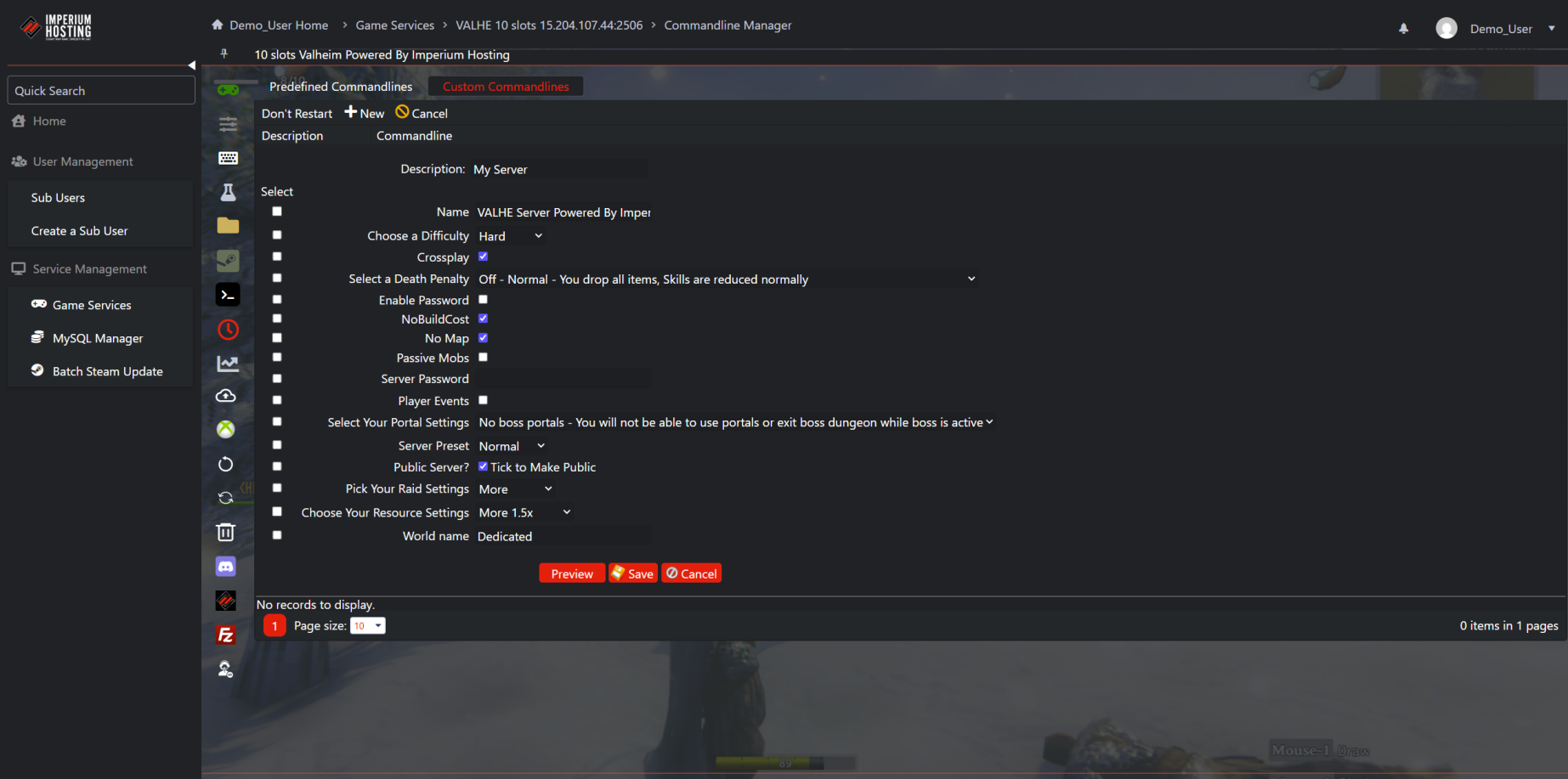
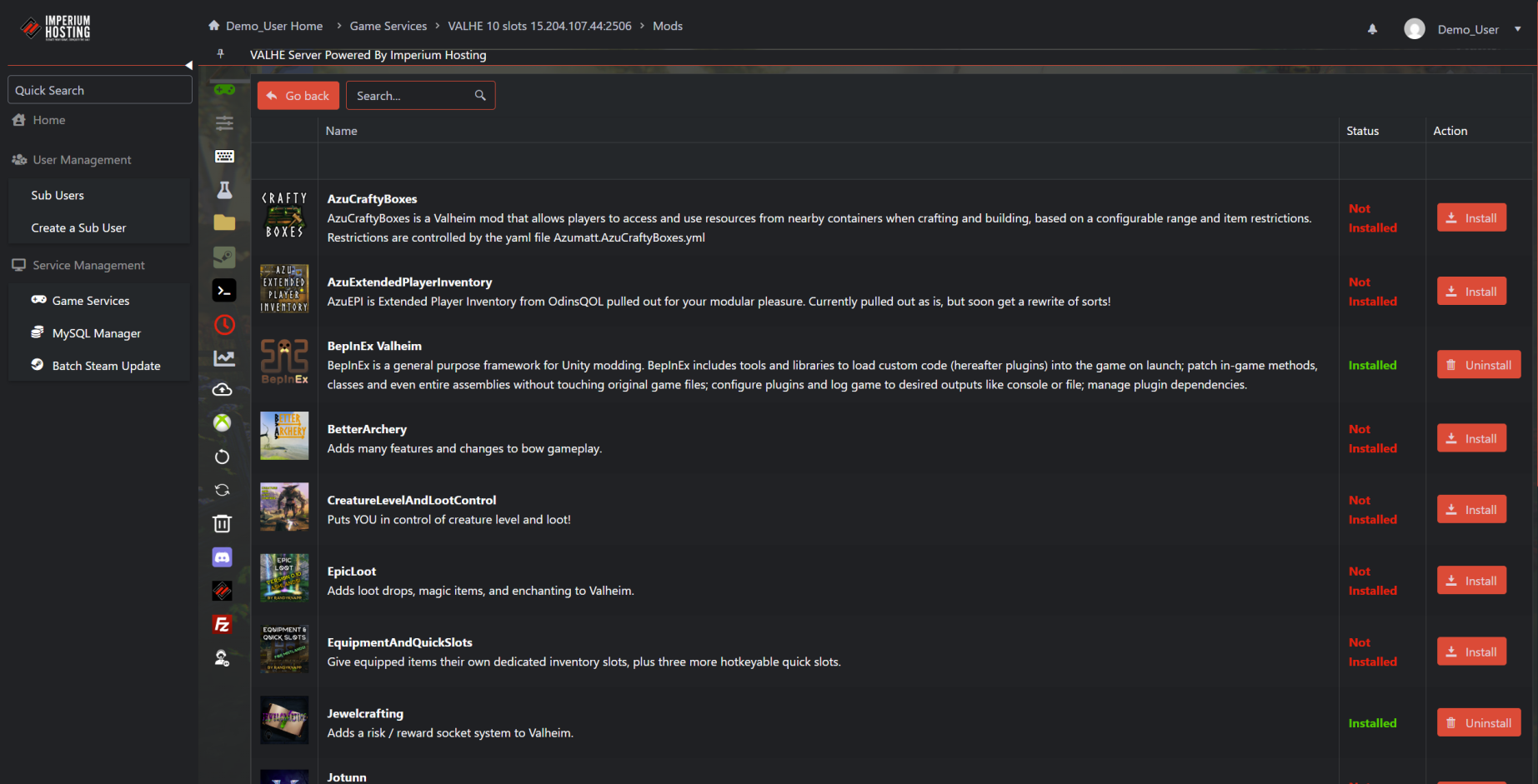
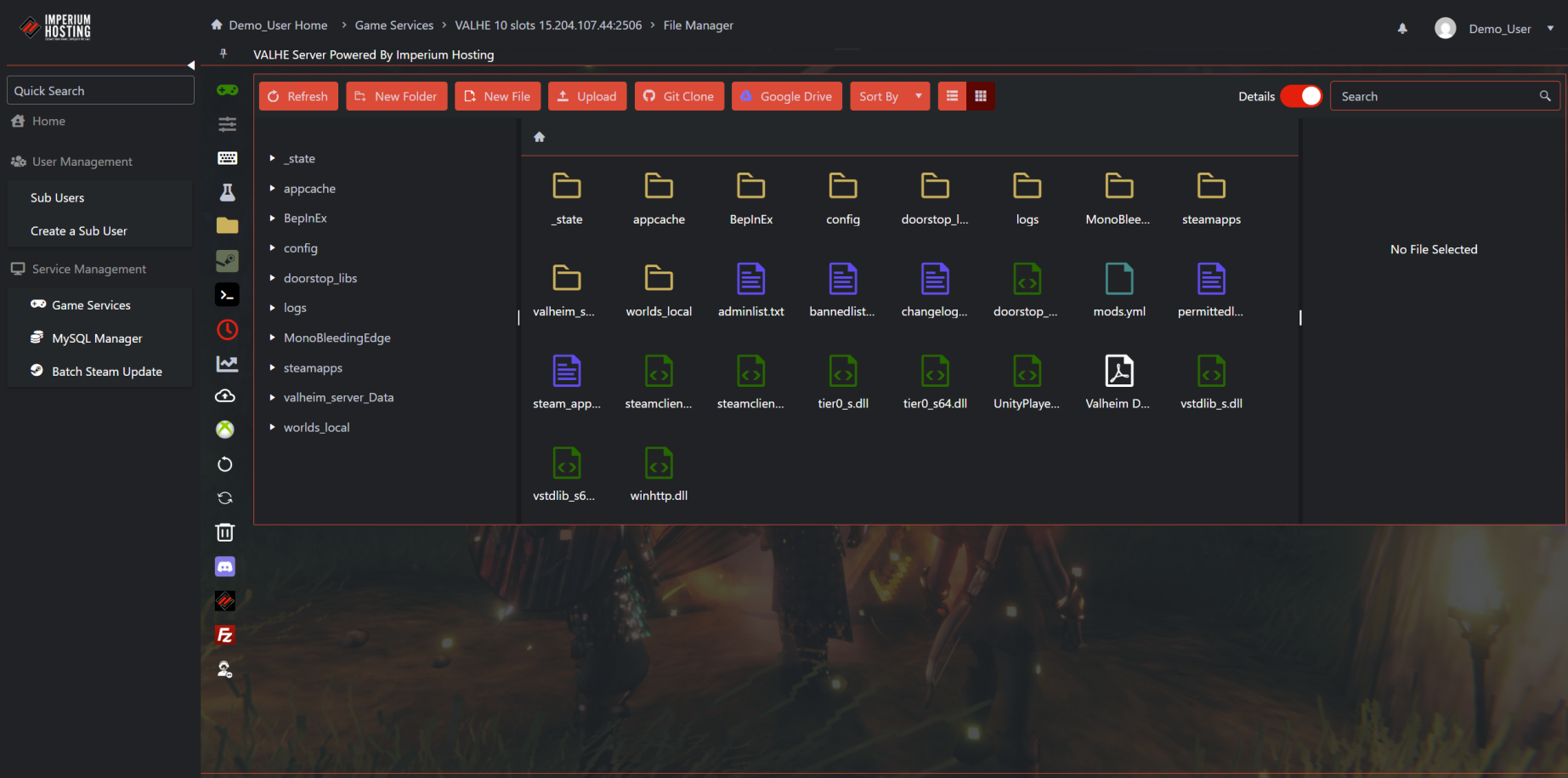
CONTROL PANEL SHOWCASE
Why Host Your Beasts of Bermuda Server with Imperium?
- ✔️ Instant server deployment
- ✔️ Global data centers
- ✔️ DDoS protection
- ✔️ Easy-to-use control panel
- ✔️ Mod support
- ✔️ 24/7 uptime monitoring
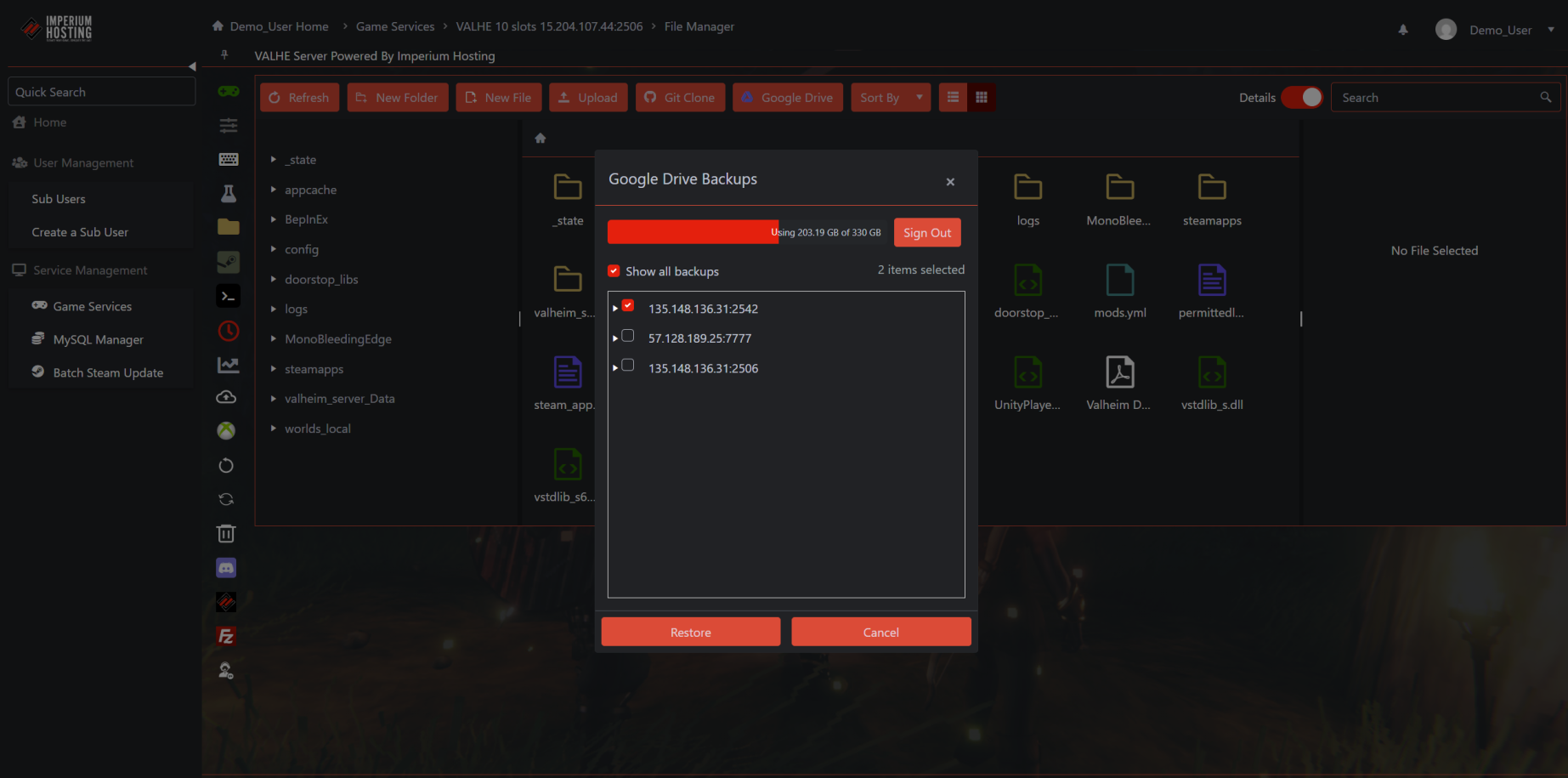
- ✔️ Free automatic backups

What Our Customers Say

"Server Host With a Love of Gaming"
Just an amazing company to work with. I am using my 3rd server with them. I have never run a dedicated server before, so I needed a lot of help. Lucky for me, the staff at Imperium Hosting are very hands-on and knowledgeable. They walked me through the process of starting up my servers for Satisfactory, Asha, and American Truck Simulator. There have been several game nights where staff asked if they could join in and just gamed out. This is a company that doesn’t just know the tech, they are gamers at heart. I can’t rate them high enough, as they have been there any time I need help as I grow my servers. Thank you, Imperium Hosting!
"Highly Recommended!"
Imperium Hosting is a "chef’s kiss". If you are wanting to leave your current server host, or just looking to start, then Imperium is by far the way to go. Their UI is remarkable, and the staff is lightning-fast to answer any questions you may have or just help you out in any way they can. Switch to Imperium Hosting TODAY!!!
What is Beasts of Bermuda?
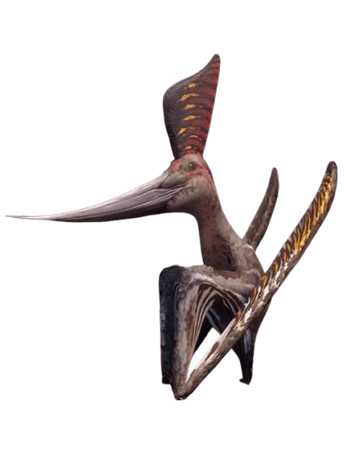
Play as a dinosaur and become part of a player-created ecosystem! Beasts of Bermuda is a multiplayer game where players endure catastrophic storms and fearsome foes while growing to monstrous sizes. Do you have what it takes to survive in the Bermuda Triangle?
Beasts of Bermuda Server Support from Real Gamers
We provide full support through:
- 24/7 support. Response times may vary.
- Email & Ticket System
- Knowledge Base
- Onboarding Help Guides
The Power of Dedicated Beasts of Bermuda Servers
- Exclusive resources for smoother gameplay
- Full control over settings
- Easier mod management
- Great for large groups or streamers